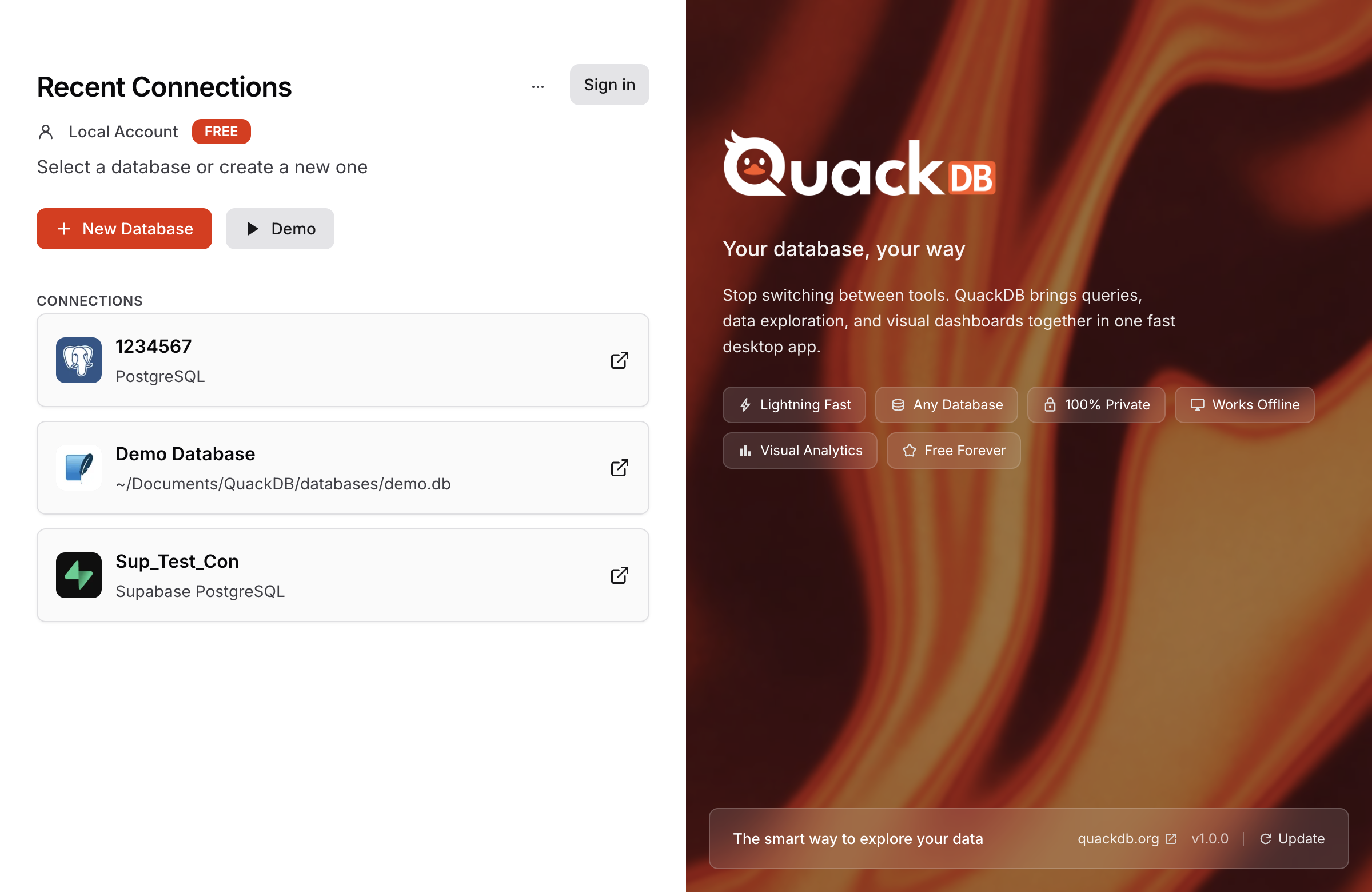
QuackDB - Best Free SQL Client for Mac
QuackDB is the best free SQL client, SQL file viewer, and SQL query builder for Mac. Native macOS app to connect to SQLite, PostgreSQL, MySQL, SQL Server, and Supabase databases. No account required.
Free SQL File Viewer for Mac
Open and view SQLite database files (.db, .sqlite, .sqlite3) directly on your Mac. Browse tables, view data in a grid, run SQL queries, and export results. QuackDB is the best free SQL file viewer for macOS.
SQL Query Builder for Mac
Write and execute SQL queries with syntax highlighting, autocomplete, and query history. QuackDB is a powerful SQL editor and query builder that works with SQLite, PostgreSQL, MySQL, and SQL Server.
Features
- Free SQL client - no account required
- SQL file viewer for Mac - open .db and .sqlite files
- SQL query builder with syntax highlighting
- Unlimited database connections
- Connect to SQLite, PostgreSQL, MySQL, SQL Server
- Works with Supabase
- Visual schema designer with ER diagrams
- Data grid with inline editing
- Git-style change tracking
- Export to CSV, JSON, SQL, Markdown, PDF
- Mac SQL tool for Apple Silicon (M1, M2, M3, M4) and Intel
Download Free SQL Client
Download QuackDB free for Mac. No credit card required. Pro plans available from $9.99/month.
Download Free SQL Client for Mac
Why QuackDB?
QuackDB is a free alternative to TablePlus and DBeaver. Built for developers who need a fast, lightweight SQL file viewer, SQL editor, and database client for Mac. Simple, focused, and free.