PostgreSQL
Connect to PostgreSQL servers
Connect to PostgreSQL servers running locally, on your network, or in the cloud. QuackDB supports PostgreSQL 12 and later.
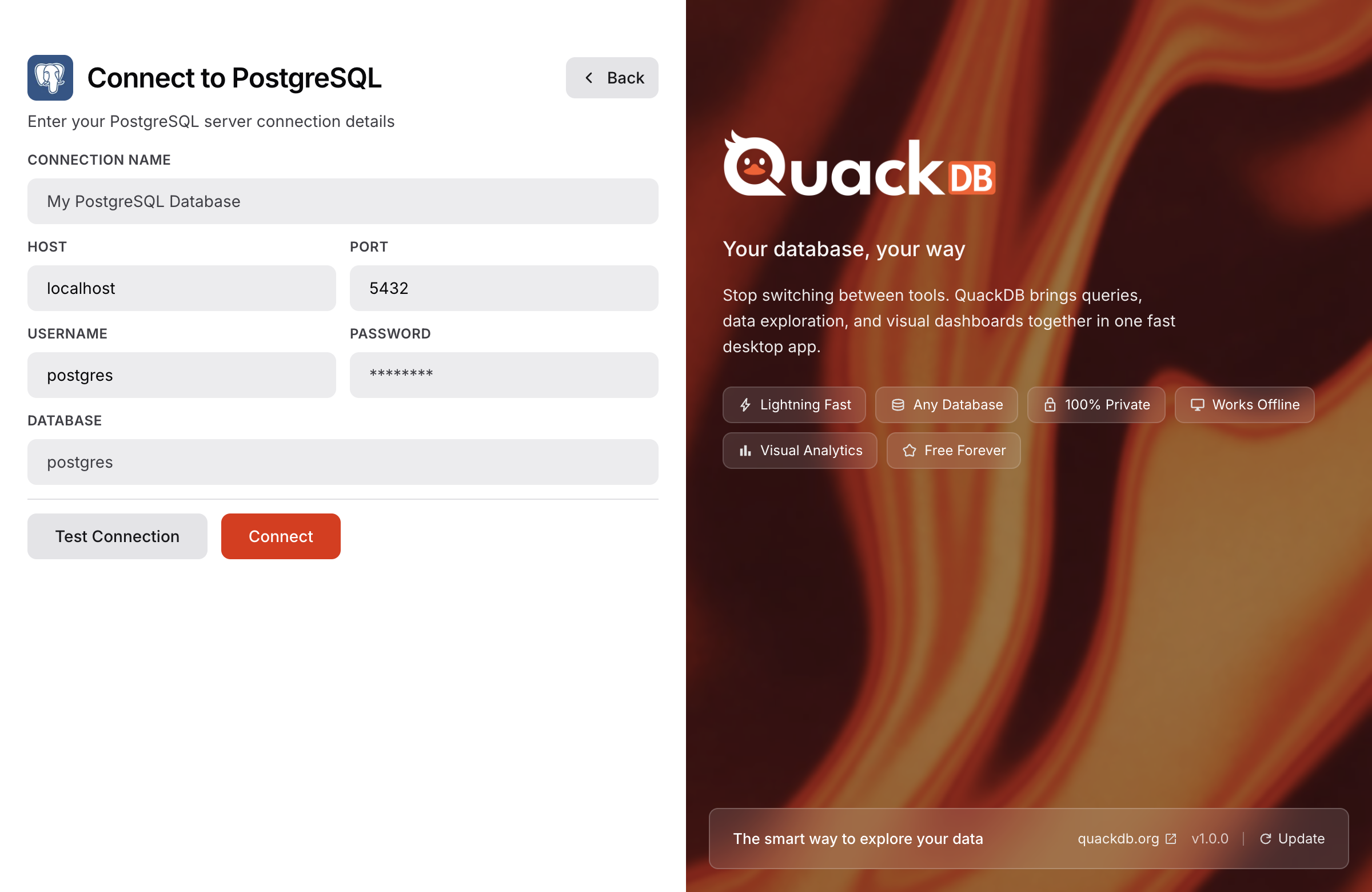
Connection Parameters
| Parameter | Default | Description |
|---|---|---|
| host | localhost | Server hostname or IP |
| port | 5432 | Server port |
| database | postgres | Database name |
| username | - | Your username |
| password | - | Your password |
| SSL | Off | Enable SSL encryption |
Supported Features
Schemas
Views & Materialized Views
Functions & Triggers
JSONB data type
Array data types
Full-text search
Supabase Support
QuackDB can connect to Supabase PostgreSQL databases. Use these settings:
Host: db.xxxxx.supabase.co
Port: 5432
Database: postgres
Username: postgres
Password: your_supabase_password
SSL: Enabled (required)
Your credentials are encrypted and stored securely using your OS keychain.