Supabase
Connect to your Supabase PostgreSQL database
Supabase is an open-source Firebase alternative built on PostgreSQL. QuackDB provides native support for connecting to Supabase databases with automatic SSL configuration.
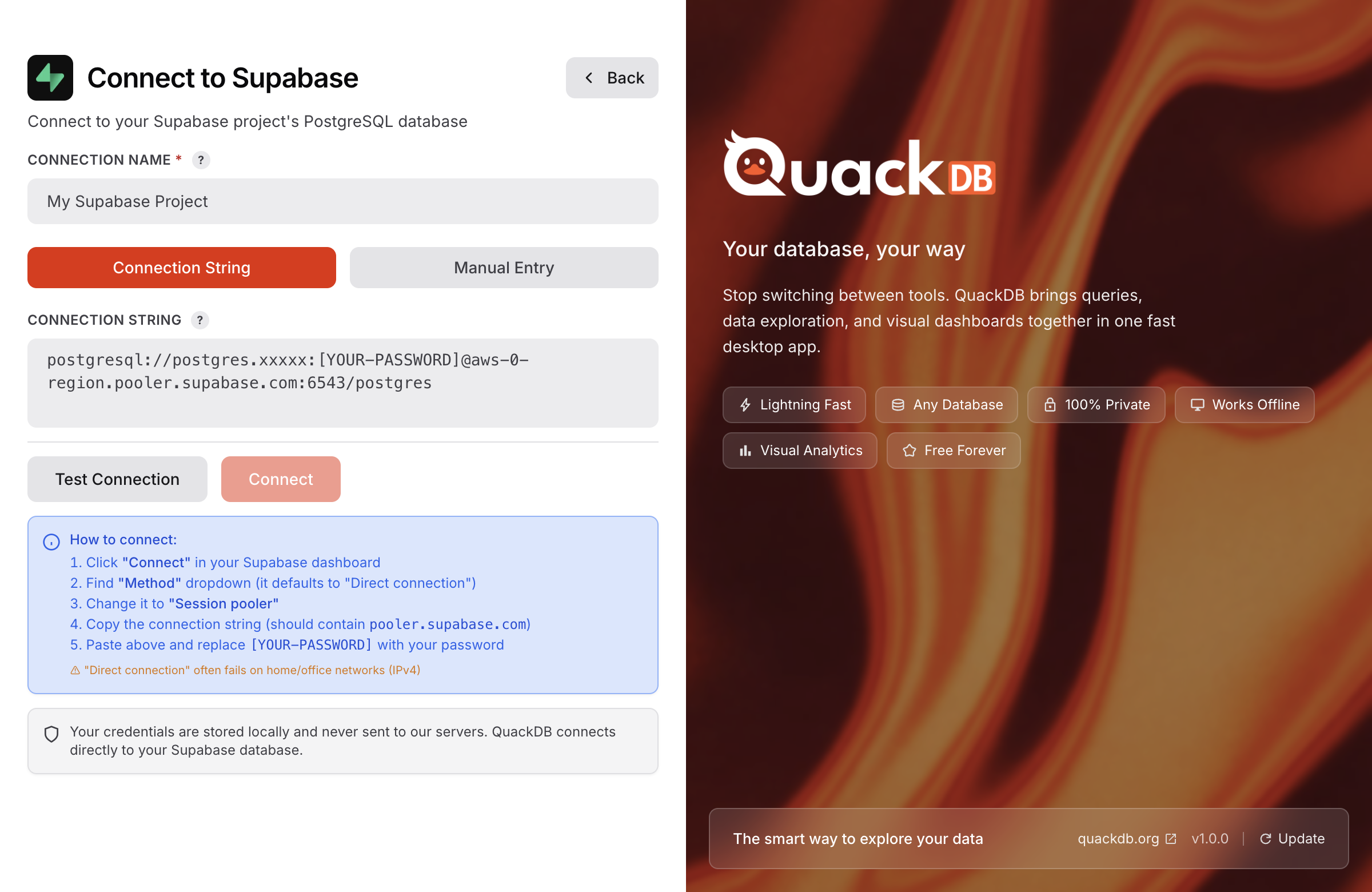
Getting Your Connection Details
Open Supabase Dashboard
Go to your project at app.supabase.com
Navigate to Database Settings
Go to Settings → Database in the sidebar
Copy Connection Info
Find the "Connection string" section and copy the details
Connection Settings
| Field | Value |
|---|---|
| Host | db.[project-ref].supabase.co |
| Port | 5432 |
| Database | postgres |
| Username | postgres |
| Password | Your database password (set during project creation) |
| SSL | Required |
Pooler vs Direct Connection
Supabase offers two connection modes. For desktop applications like QuackDB, we recommend the direct connection.
Direct Connection
Recommended for QuackDB
Port: 5432Pooler (Transaction)
For serverless/edge functions
Port: 6543Supabase-Specific Features
⚠️Password Security: If you've forgotten your database password, you can reset it in the Supabase dashboard under Settings → Database → Reset database password.
Your Supabase credentials are encrypted and stored securely using your OS keychain. They are never transmitted except to establish the database connection.