What QuackDB for Mac does and how to install it
An overview of QuackDB for Mac, the databases it supports, what is in the workspace, and what to know before you install it.
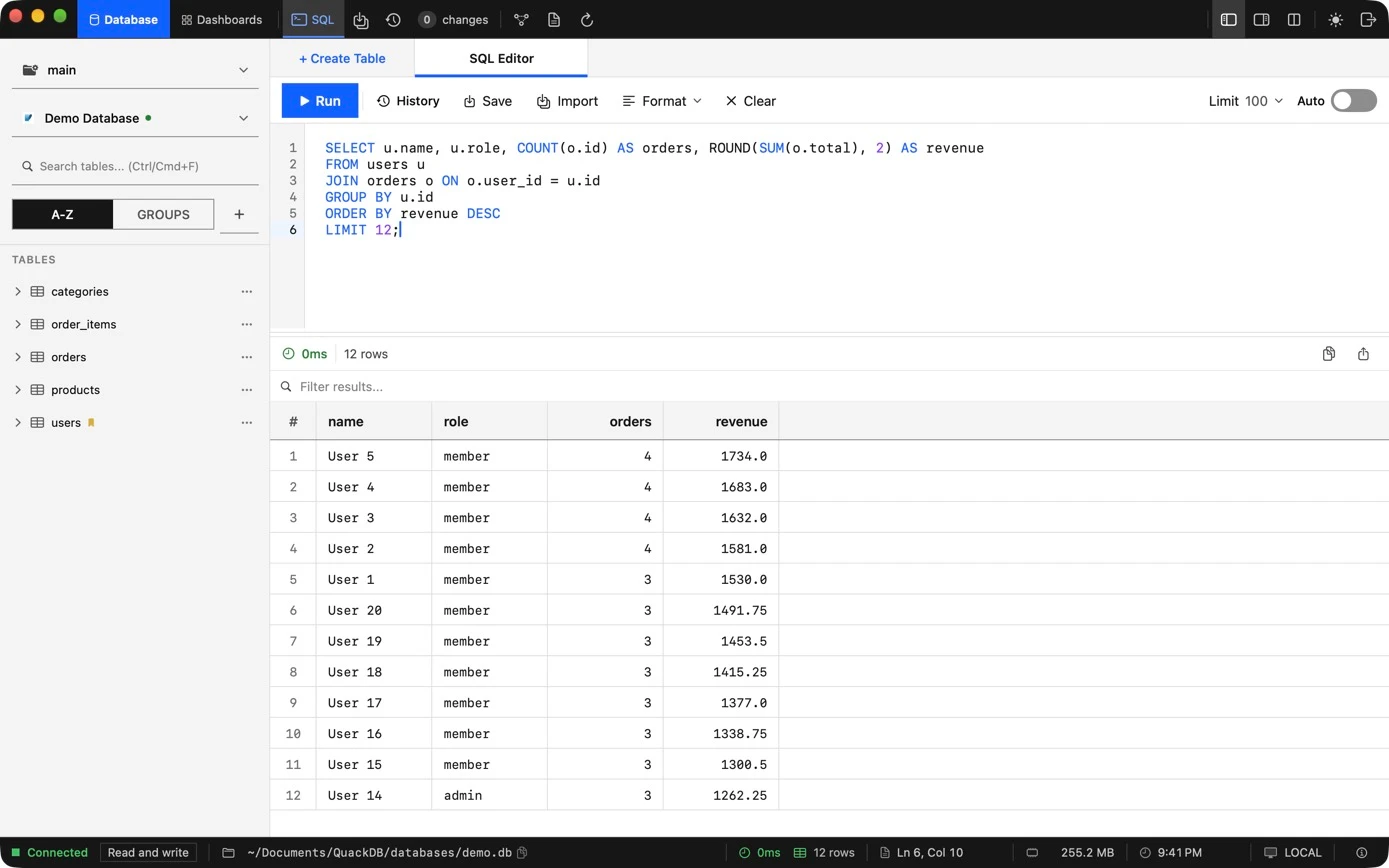
QuackDB for Mac is a native database client for people who work with data every day. It brings PostgreSQL, MySQL, SQLite, SQL Server and Supabase databases into one workspace, so you query, edit and understand them with the same sidebar, SQL editor, data grid and schema diagram, whichever engine sits behind them.
What you can do
| Task | Where |
|---|---|
| Ask questions with SQL and read the results beside the query | SQL editor |
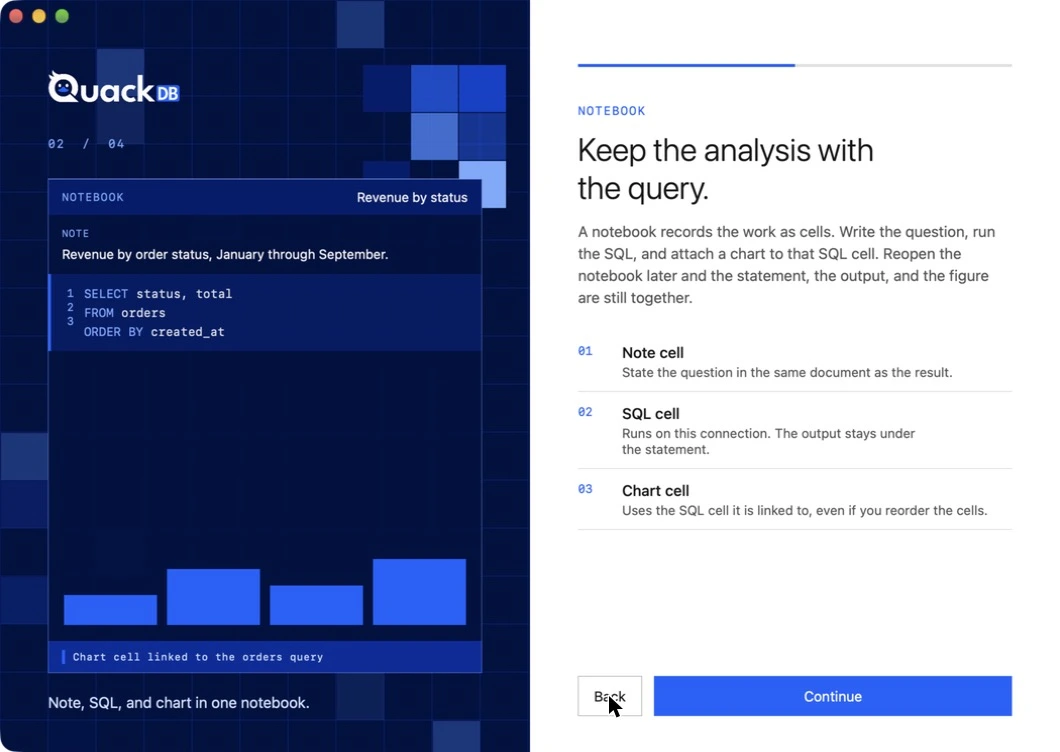
| Keep a question, its SQL, its result and a chart together in one document | Notebooks and Python |
| Browse, filter and correct table data in place | Data grid |
| Review edits, commit them with a message and undo them later | Changes and history |
| See how tables relate before you write a join | Schema diagram |
| Move data in and out as CSV, TXT, JSON or SQL | Import and export |
Supported databases
| Database | Connect with |
|---|---|
| SQLite | A database file on your Mac |
| PostgreSQL | Host, port, database, user and password, or a local server that QuackDB manages for you |
| Supabase | The connection details from your Supabase dashboard, over SSL |
| MySQL | Host details and credentials |
| SQL Server | Host details and credentials |
System requirements
- macOS 14.6 or later
- Light and dark appearance, following your system setting
Install QuackDB
- 01Open QuackDB for Mac in the Mac App Store and choose Get. Plans and subscriptions, where offered, are bought and managed through your Apple ID.
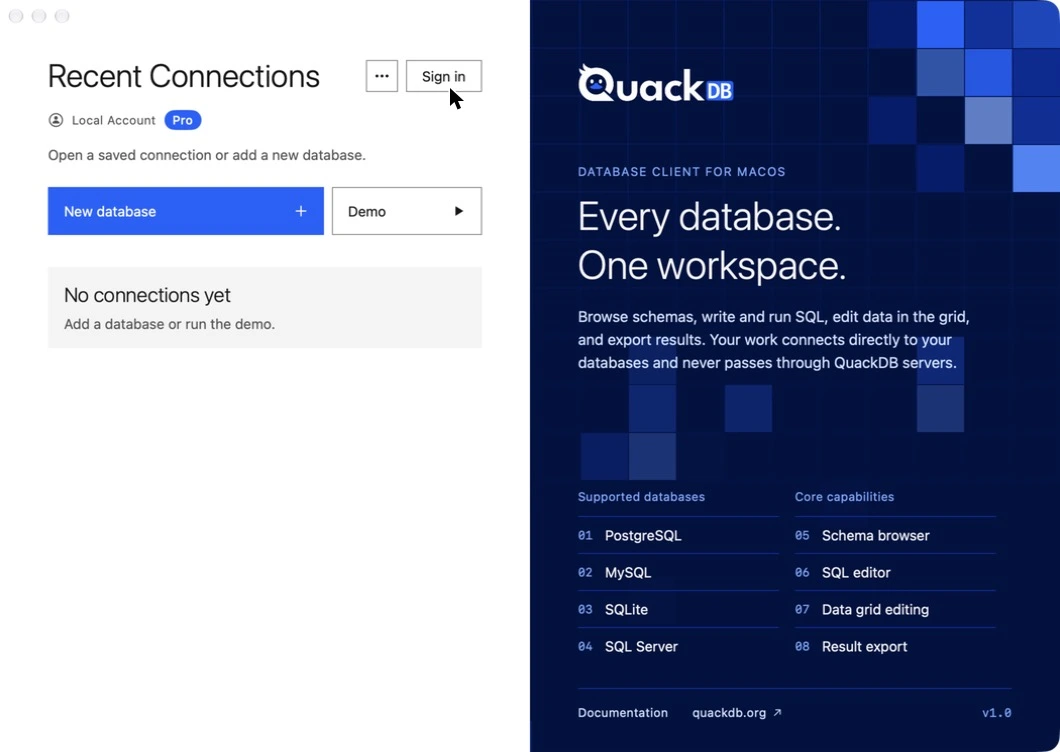
- 02Open QuackDB. The first screen offers sign in, or Continue without signing in. You can use the app fully without an account.
- 03On the Recent Connections window, choose Demo to explore a sample database, or New database to add your own.
Note
Looking for the original release? QuackDB 1.0 is still available and is now free. See the previous version page. Its guides are kept under QuackDB 1.0 (previous version) in the navigation.First launch
The first time you open QuackDB, a four-page introduction explains the workspace, notebooks, Python and access: a 3-day trial of the full workspace, then a monthly subscription through your Apple ID. See Account and subscription.
Not in this release
The Dashboards tab beside Database and Notebooks is a placeholder in this release. There are no Windows or Linux versions. The guides for QuackDB 1.0 remain available for 1.0 users.