Security
An unsecured storage bucket exposed tens of thousands of private images
Verification selfies and ID photos sat in an old system. The checks are small: default-deny rules, an inventory and a retention job.
Published 5 min read
Jump to default-deny rules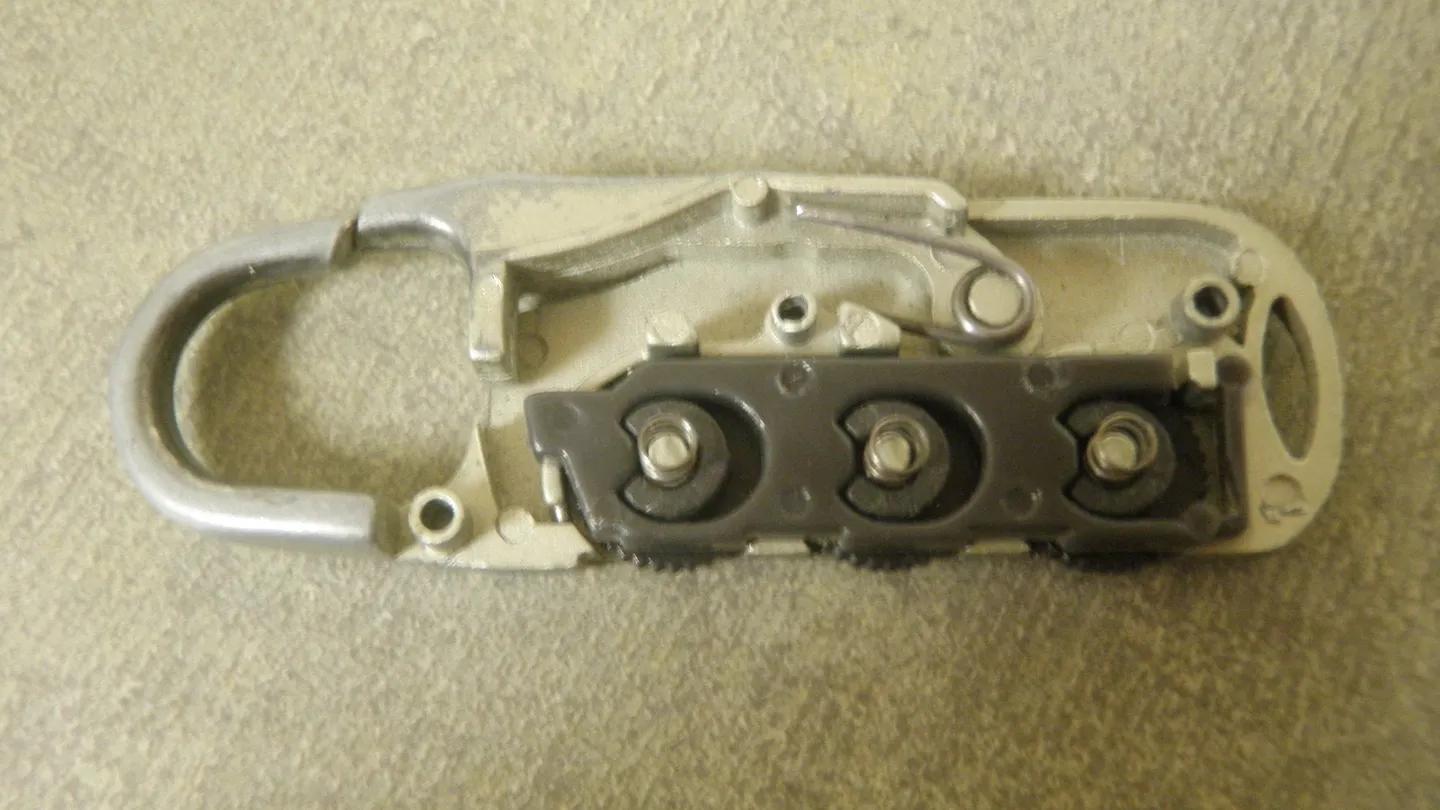
Photo: Luggage lock (open), Jstapko, CC BY-SA 3.0, via Wikimedia Commons.
In late July 2025, the women's dating-safety app Tea confirmed a data breach. As reported by Security Affairs, the company's notice said that at 6:44 a.m. Pacific on 25 July it identified unauthorized access, that a legacy data storage system was compromised, and that only users who signed up before February 2024 were affected.
Tea put the exposure at about 72,000 images. Around 13,000 were selfies and photo IDs submitted during account verification, and about 59,000 were images that were publicly viewable in the app, from posts, comments and direct messages. The company said no email addresses or phone numbers were accessed. A separate database reportedly held about 1.1 million private messages, found by a researcher, according to BleepingComputer and 404 Media as summarised in the same report. Tea disabled direct messaging and took the affected system offline.
Open by accident is still open
Cloud storage and backend-as-a-service tools make it easy to start. Rules written for a prototype, or left over from a migration, can outlast the prototype by years. Nobody has to break in if the door was left open. A legacy system that nobody remembers is exactly where that happens.
Start from deny
Firebase Storage security rules can refuse everything by default and then allow only what you can explain. This sketch lets a signed-in user read and write only their own folder. It was not run in this article, so test it with the Firebase emulator before deploying.
rules_version = '2';
service firebase.storage {
  match /b/{bucket}/o {
    match /users/{userId}/{allPaths=**} {
      allow read, write: if request.auth != null && request.auth.uid == userId;
    }
    // Anything not matched above is denied.
  }
}
Then test as a stranger. Open a file's URL in a private browser window without signing in, or fetch it with a command-line tool that carries no credentials. If it loads, so can anyone else.
curl -I https://storage.example.com/users/42/id-photo.jpg
# Expect 401 or 403. A 200 means anyone with the link can download it.
Inventory what you store
List every bucket, database and backend project, including ones that are old, belong to a former team or came with an acquisition. For each, write down what it holds, who can read it and who owns it.
CREATE TABLE data_store (
  id INTEGER PRIMARY KEY,
  name TEXT NOT NULL,
  holds TEXT NOT NULL,
  public_read INTEGER NOT NULL CHECK (public_read IN (0, 1)),
  owner TEXT,
  last_reviewed TEXT
);

-- Stores readable without signing in, or with no owner
SELECT name, holds
FROM data_store
WHERE public_read = 1 OR owner IS NULL;
Delete what you no longer need
Verification images are a good example of data that should not be kept. If a photo ID was only needed to confirm someone's identity, the best protection after that is to not have it. Decide a retention period, and make a job enforce it.
-- Which uploads are old enough to review for deletion?
SELECT kind, COUNT(*) AS files, MIN(uploaded_at) AS oldest
FROM uploads
WHERE uploaded_at < DATE('now', '-90 day')
GROUP BY kind;

-- Record deletions rather than silently dropping rows
UPDATE uploads
SET deleted_at = CURRENT_TIMESTAMP
WHERE kind = 'verification' AND uploaded_at < DATE('now', '-90 day')
  AND deleted_at IS NULL;
Deleting a database row does not delete the file in storage, so pair the job with one that removes the object itself and confirms it is gone. Remember backups: decide how long copies live, and write that down too.
Treat the most sensitive data differently
- Store identity documents and selfies in a separate store with stricter access than ordinary uploads.
- Use short-lived, signed URLs for access instead of permanent public links.
- Log reads of sensitive objects and alert on bulk downloads.
- Separate what the app shows publicly from what it holds privately. Tea's notice distinguished verification images from images visible in the app.
Legacy systems are the weak point
The company said the affected data came from a legacy system. Old systems keep running after the people who set them up have moved on. They may have rules that nobody has reviewed in years, and credentials that nobody rotates. When you migrate to a new system, finish the job: shut the old one down, or bring it under the same rules.
- 01Find the old systemsAsk each team what they stopped using but never turned off.
- 02Check who can read themTest as a stranger, as above.
- 03Move or delete the dataIf you still need it, move it under current rules. If not, delete it, and the backups on a schedule.
- 04Turn off the systemA system that is off cannot leak.
Keep the result, not the photo
The images that mattered most in this incident were verification selfies and photo IDs. Ask what the app actually needs after verification. Usually it needs to know that a person was verified, when, and by which method. It does not need the original image.
| Keep | Delete after the check |
|---|---|
| Verified yes or no | The photo ID image |
| Date and method of verification | The selfie used for matching |
| A reference from the verification provider | Copies in backups, after their retention window |
CREATE TABLE verification (
  user_id INTEGER PRIMARY KEY,
  verified INTEGER NOT NULL CHECK (verified IN (0, 1)),
  verified_at TEXT,
  method TEXT,
  provider_ref TEXT
  -- no image column on purpose
);
A table with no place to put an image makes the right behaviour the default. If the image must be kept for a legal reason, keep it in a separate, locked-down store with its own deletion date.
Be ready to explain what you held
When a leak happens, the questions come fast: which users, which kinds of data, from what dates. Tea's notice was able to state that only users who signed up before February 2024 were affected and to split the images into two groups. That kind of answer is possible only if you already know what you keep. Your inventory table, the retention rules and the access logs are what let you answer within hours instead of weeks.
Questions that come up
- Is this specific to Firebase?
- No. Any storage with public or default-open settings has the same risk, including S3-style buckets and shared file servers.
- How do I check my own bucket?
- Try to read a file URL in a private browser window without signing in. If it loads, so can anyone else.
- Should I store ID photos at all?
- Only if you must, for as short a time as you can. Often a third-party verification provider can confirm identity so you never keep the image.
- What did Tea say was not exposed?
- The company said email addresses and phone numbers were not accessed. A separate report described private messages being exposed.