Notebooks
The chart is still there. The SQL notebook will not run.
Saved output can outlive the code that produced it. Here is a small notebook you can restart and check.
Published 4 min read
Jump to the runnable notebook example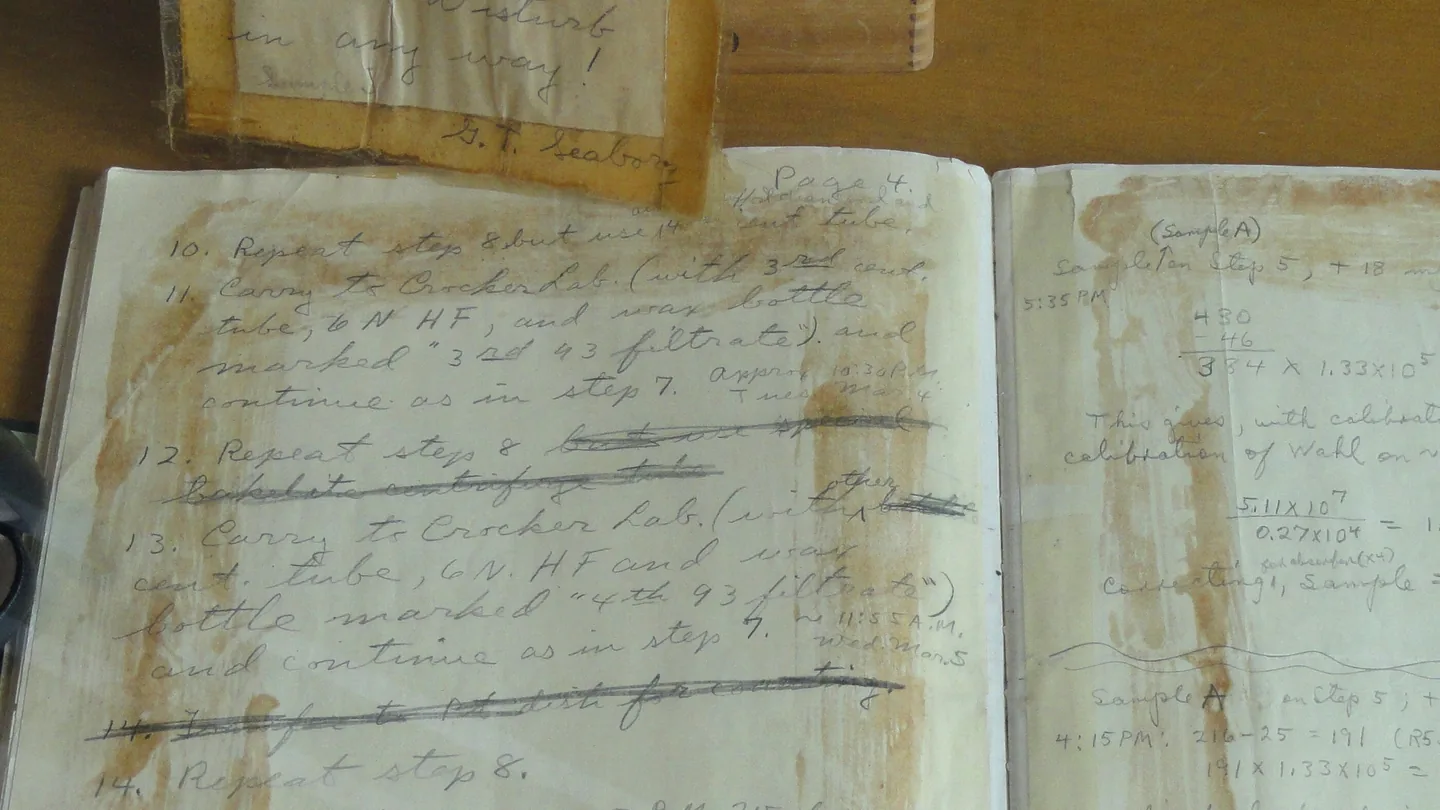
Photo: Lab book - Lawrence Berkeley National Laboratory, Daderot, Public domain, via Wikimedia Commons.
Open a notebook and the answer may already be on screen: a table, a chart, a confident conclusion. You can read all of it without discovering that the code no longer runs.
In a 2019 study, researchers attempted 863,878 executions of eligible Jupyter notebooks collected from GitHub. Only 24.11% completed without errors; 4.03% reproduced the saved results. Both percentages refer to the attempted executions, not one percentage of the other.
Those are findings from that historical sample and its execution setup, not the odds that your notebook will fail today. They do explain why a screenshot of a result is weak evidence that somebody else can reproduce it.
The cell that no longer exists
Consider a simple example. You set tax_rate = 0.2, calculate a total in another cell, then edit the first cell to tax_rate = 0.1 without running it. The page now shows one rate and a result calculated with another. A fresh run changes the answer.
SQL adds a separate moving part. Even with clean Python state, a query against a live orders table can return different rows tomorrow. Decide whether the notebook describes a fixed dataset or intentionally asks for the latest data.
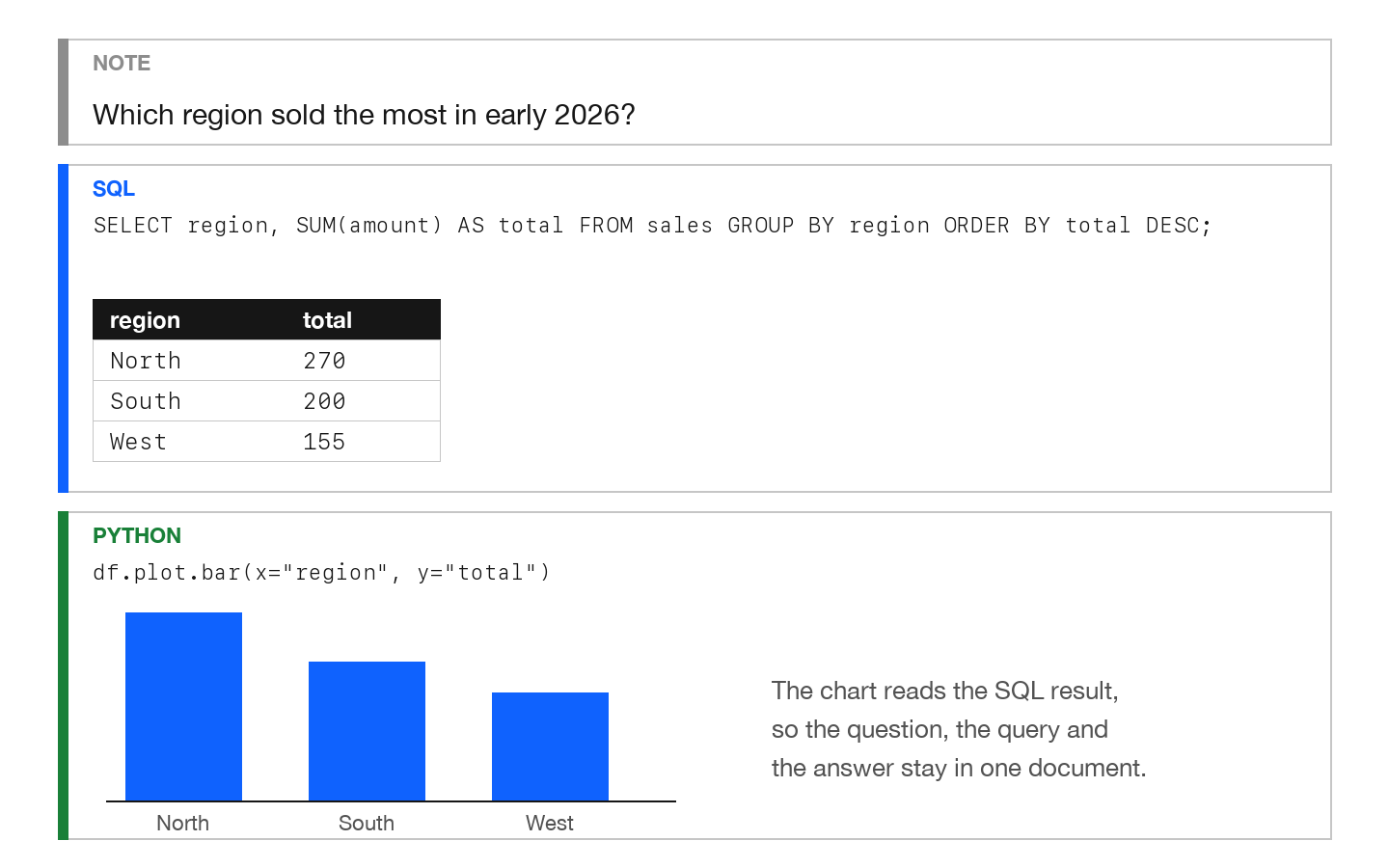
A SQL notebook example with a checkable answer
The next two cells use Python's sqlite3 module and fictional orders. No server or credentials are needed. Run the setup cell before the query cell. Re-running setup closes the previous connection and starts a fresh in-memory database.
import sqlite3

if 'con' in globals():
    con.close()
con = sqlite3.connect(':memory:')
con.execute('CREATE TABLE orders (id INTEGER PRIMARY KEY, status TEXT, amount_cents INTEGER)')
con.executemany('INSERT INTO orders VALUES (?, ?, ?)', [
    (1, 'paid', 1200),
    (2, 'paid', 800),
    (3, 'pending', 500),
])
con.commit()status = 'paid'
row = con.execute(
'SELECT COUNT(*), SUM(amount_cents) FROM orders WHERE status = ?',
(status,),
).fetchone()
assert row == (2, 2000), row
print(row)Expected output is (2, 2000). The amount is in cents, and pending orders are excluded. The question mark binds a value; it is not a placeholder for a table or column name.
When the sample becomes real data
For a shared analysis, record the input file version or snapshot, the database engine and the packages needed to run it. If the input is private, explain how an authorized reader obtains it. Do not put credentials or private records in a public notebook just to make the example self-contained.
Add ORDER BY when comparing row sequences. Decide how to compare floating-point results. A result can change order without changing its meaning, or keep its shape while the underlying records change.
Restart before sending it
Restart the kernel, clear the saved output and run from the top. If the assertion fails, you now have a small question to investigate: is the input different, did the query change, or was the old answer wrong? Keep the explanation with the cell that answers it.
SQL notebook questions
- What is a SQL notebook?
- A document that combines executable SQL with explanatory text and results. Some notebooks also use Python or another language to process those results.
- Does restarting the kernel make a notebook reproducible?
- It catches dependencies on existing session state. It does not freeze a live database, install missing packages or supply missing files. Record those inputs too.