Backups
GitLab had backups. The copy it needed came from a load test.
After the wrong database directory was deleted, a six-hour-old staging copy became the way back.
Published 4 min read
Jump to the backup restore checklist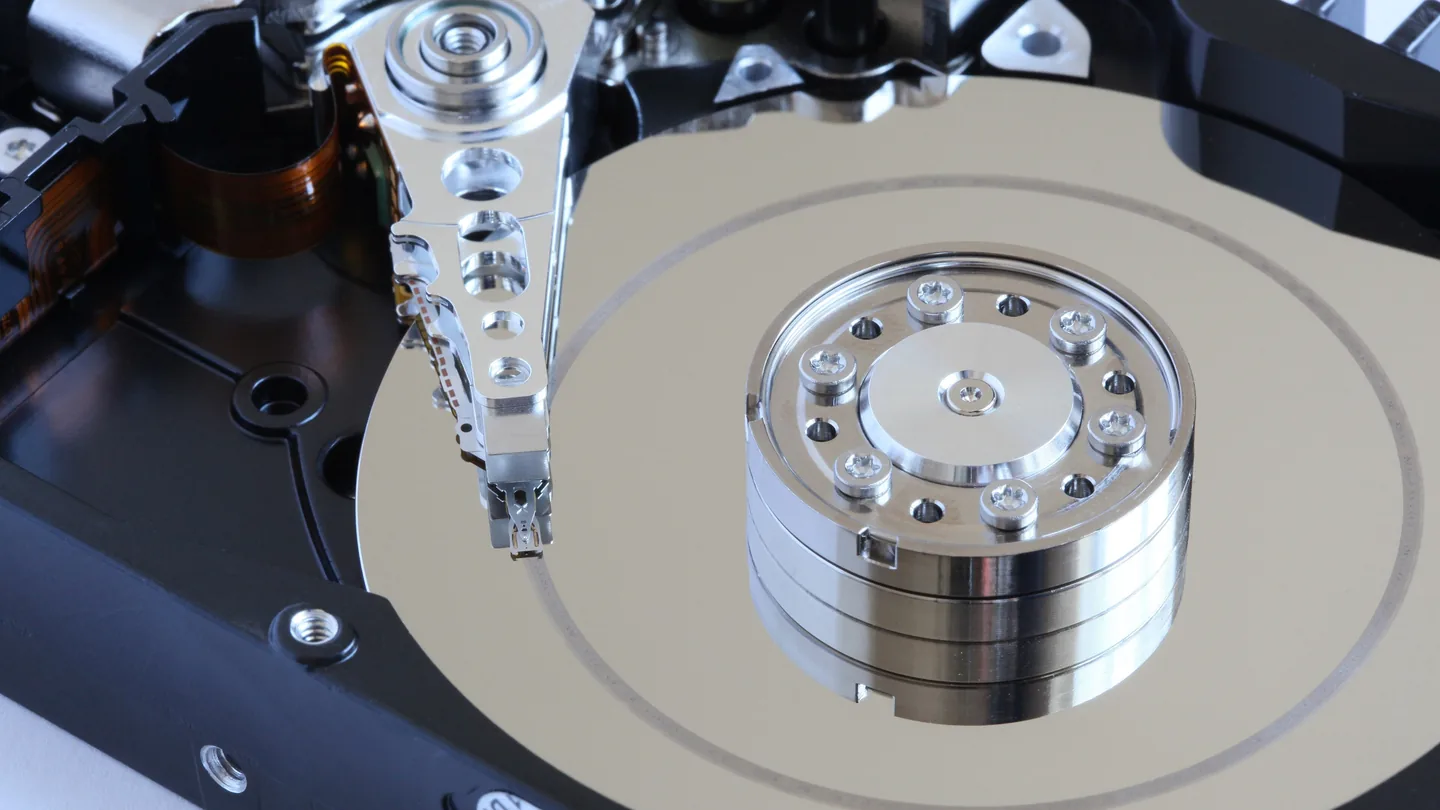
Photo: Hard disk head crash, Alchemist-hp, CC BY-SA 3.0, via Wikimedia Commons.
The copy that helped restore GitLab.com on 1 February 2017 had been made for a load test. It was not the scheduled backup everyone expected to use.
Earlier that evening
An engineer had taken a production snapshot at 17:20 UTC. Later, while recovering a broken replica, an engineer accidentally deleted data on the primary server. About 300 GB was gone before the command stopped, according to GitLab's postmortem.
The replica was already being rebuilt. Disk snapshots were not enabled. Scheduled logical backups had failed because an older pg_dump could not back up the newer server. Failure emails had been rejected, leaving the problem unnoticed.
The staging copy survived, but moving its data back was slow. GitLab reported about 18 hours of downtime and roughly six hours of lost database changes. Git repositories and wikis were stored separately and were not deleted.
There was no single backup switch to turn back on. Recovery depended on which copy still existed, how old it was and how quickly it could be moved.
How to test a database backup
Pick a recent backup and restore it into an isolated test environment. Use the same procedure you would rely on during an outage. Record the backup timestamp, the restored timestamp and the time it takes to get useful queries running. Keep restored data subject to the same access controls as the original.
| Check | What to record |
|---|---|
| Restore completes | The exact command, exit status and any warnings. |
| Data is usable | Key records, relationships and application queries, not just a table count. |
| Backup is recent enough | The newest recovered transaction or known record. |
| Recovery is fast enough | Elapsed time, including transfer and application startup. |
| Failure reaches someone | The result of a deliberately triggered test alert. |
A PostgreSQL restore rehearsal
For a custom-format pg_dump archive, create a new scratch database on your isolated test server, then restore into it. Replace these example names. Do not point the command at production.
createdb -h localhost -U restore_tester restore_rehearsal
pg_restore -h localhost -U restore_tester --exit-on-error \
  --dbname=restore_rehearsal backup.dump
A plain SQL dump is loaded with psql instead of pg_restore. Roles, extensions and permissions can also be prerequisites; a database dump is not a complete copy of the whole cluster. PostgreSQL documents which older servers each pg_dump version supports. An older major-version tool cannot dump a newer major-version server.
Checking a restored SQLite copy
sqlite3 -readonly restored.db "PRAGMA integrity_check; PRAGMA foreign_key_check;"An integrity result of ok checks database structure. A foreign key check returns rows for violations. Neither proves that the file contains yesterday's transactions or the right business data. Compare known records as well.
Leave a record the next person can use
Put the recovery command, required access, last successful test and measured duration beside the backup job. If the only person who knows how to restore it is unavailable, the rehearsal has missed a dependency.
Backup questions
- Is a successful backup job enough?
- No. It confirms that a job finished, not that the data can be recovered. Restore a copy and run meaningful checks against it.
- Would a SQL transaction have prevented GitLab's deletion?
- No. The incident involved a filesystem command deleting database files. A SQL ROLLBACK cannot undo that. Transactions help with supported database statements, not arbitrary shell commands.